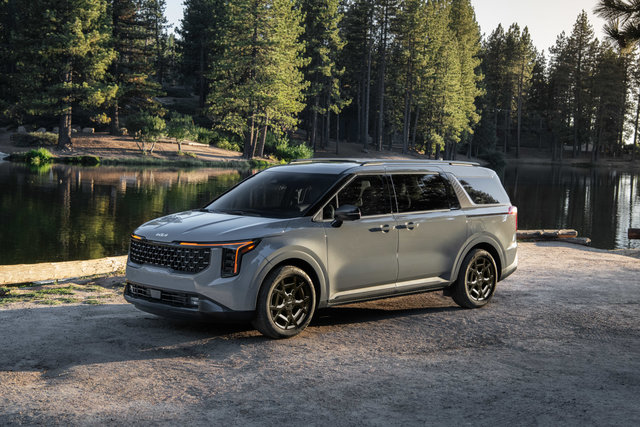
Kia's Digital Key 2 Touch offers a practical step forward in vehicle access, turning your compatible smartphone or Apple Watch into a fully functional key. This system eliminates the need to carry a traditional key fob for everyday use, integrating smoothly with your digital life while offering enhanced security and customization options. Available on select Kia models, this technology uses Near Field Communication (NFC) to provide secure, contactless vehicle access.
Understanding how Digital Key 2 Touch works can help you decide if this feature aligns with your lifestyle and driving needs. This guide explains the core functionality, setup process, and practical benefits of turning your smartphone into your vehicle's primary access point.
The Technology Behind Digital Key 2 Touch
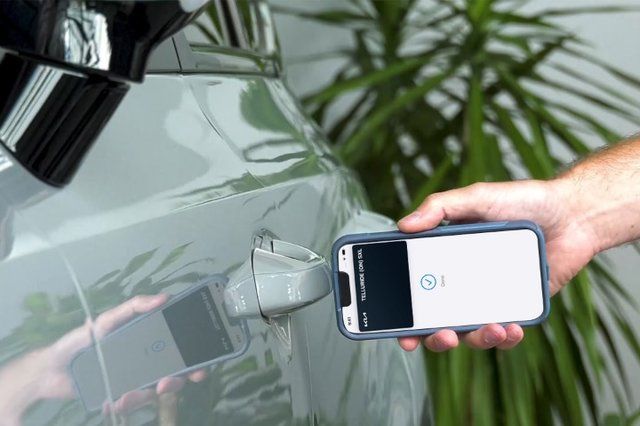
Kia Digital Key 2 Touch operates using Near Field Communication (NFC) technology - the same secure wireless standard found in contactless payment systems and hotel room keys. This technology allows your compatible iOS smartphone or Apple Watch to communicate with your vehicle when held within close proximity to the door handle or placed on the wireless charging pad inside the cabin.
The system stores your digital key directly in Apple Wallet, providing the same level of security and encryption used for credit cards and identification documents. Unlike traditional key fobs that use radio frequency signals, NFC requires intentional proximity. Your device must be within a few centimetres of the vehicle's sensor to function, enhancing security by preventing unauthorized access from a distance.
Digital Key 2 Touch uses NFC exclusively for vehicle communication. This differs from Kia Digital Key 2 (without "Touch"), which incorporates Bluetooth and Ultra-wideband technology for additional remote functionality.
Core Functions and Capabilities
Digital Key 2 Touch enables three primary vehicle functions through your smartphone or watch. You can lock and unlock your Kia by holding your device near the driver's door handle, similar to how you would tap an NFC card key at a hotel. Once inside, placing your device on the vehicle's wireless charging pad allows you to start the engine and drive normally.
The system allows you to share digital keys with friends and family remotely through Apple Wallet. This eliminates the need to physically hand over a spare key fob when someone else needs to use your vehicle, and you can revoke access at any time through your device.
The NFC-based design requires your device to be held near the door handle for access. This proximity requirement ensures secure operation while maintaining the convenience of contactless entry.
Driver Profile Integration
One of the most practical features of Digital Key 2 Touch is its ability to link to your Driver 1 Profile in your Kia. This connection automatically loads your customised settings when you unlock the doors and enter the vehicle, including:
- Seat position
- Mirror adjustments
- Climate control preferences
- Audio settings
The profile linking ensures your vehicle is configured exactly as you prefer it every time you use your digital key, without requiring manual adjustments after entering. This feature proves especially valuable in households where multiple drivers use the same vehicle but have different comfort preferences.
Currently, Digital Key 2 Touch only allows the vehicle owner to link to a driver profile. Secondary digital keys shared with other users will not trigger automatic profile loading, though those users can still access all vehicle functions through their shared digital key.
Device Compatibility and Requirements
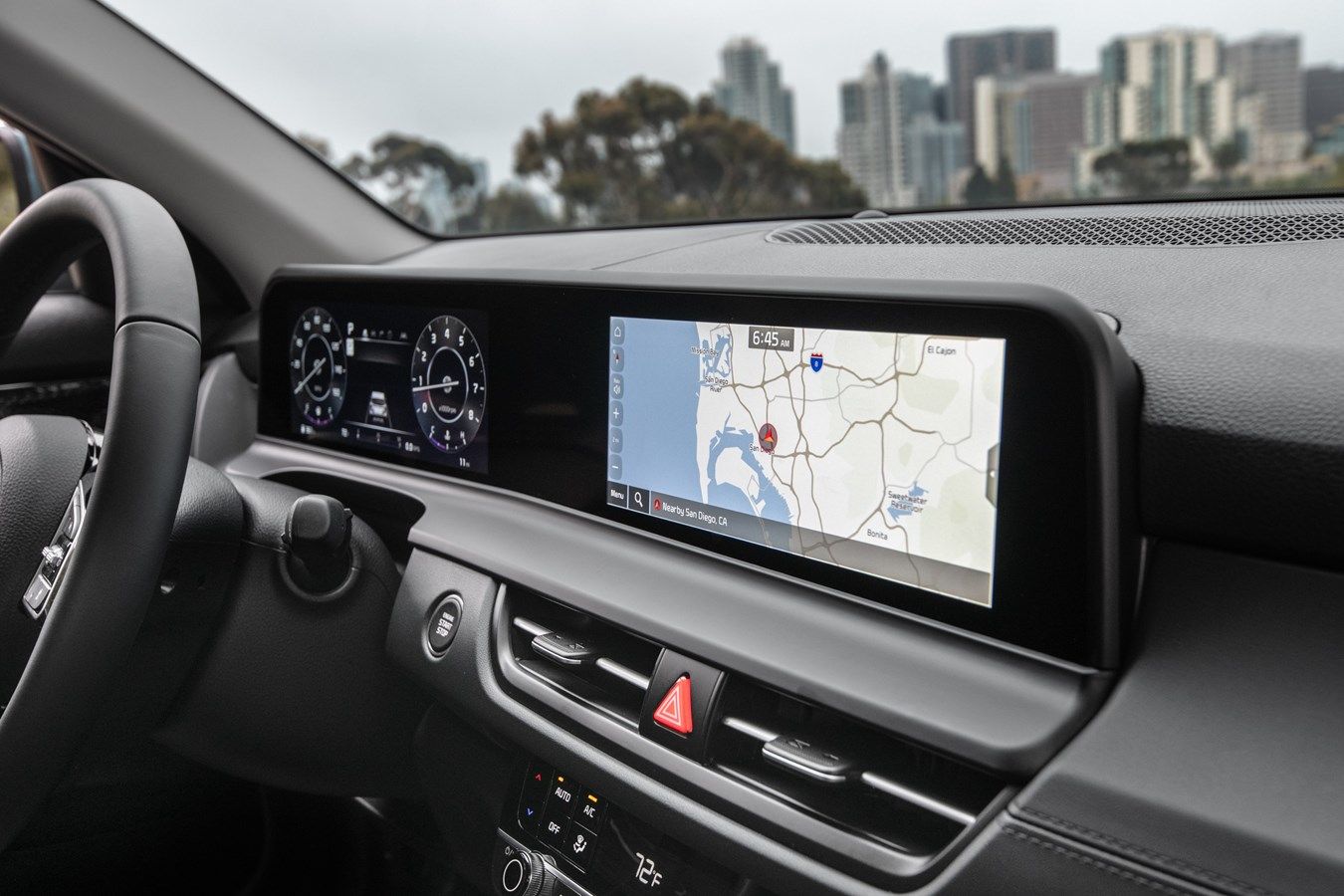
Digital Key 2 Touch is designed specifically for iOS devices and integrates with Apple Wallet. Your iPhone or Apple Watch must support NFC functionality and run a compatible version of iOS to use this feature. The technology offers compatibility with a broad range of devices, though specific requirements may vary.
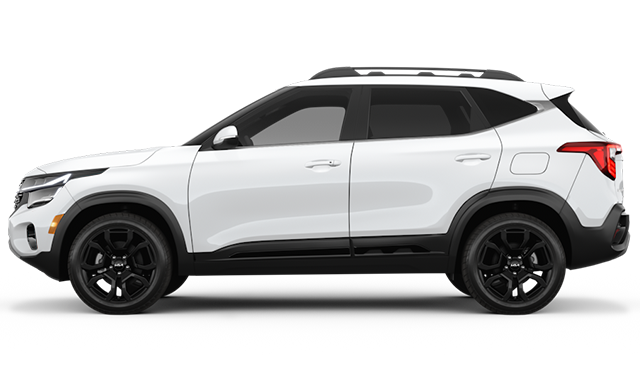
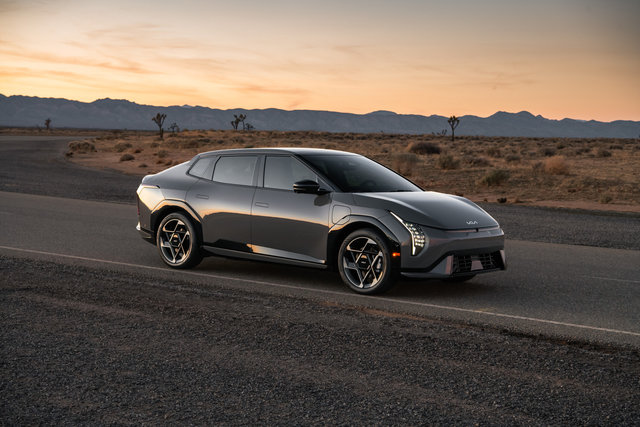
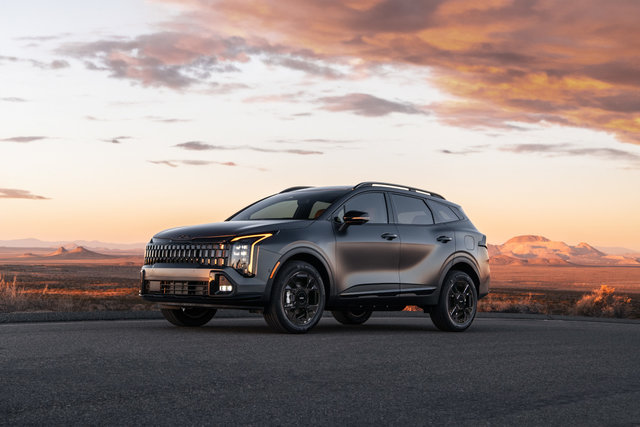
Vehicles equipped with embedded modems and the necessary NFC hardware can support Digital Key 2 Touch. Some models include this technology as part of their advanced connectivity features, with additional Kia models expected to receive this capability in future model years.
To activate Digital Key 2 Touch, you must complete an initial pairing process that links your device to your vehicle. This setup requires physical access to your Kia and ensures that only authorized devices can be added to your vehicle's digital key system.
Practical Benefits for Daily Use
The primary advantage of Digital Key 2 Touch is the elimination of one more item to carry and keep track of. For drivers who already carry their smartphone everywhere, the ability to leave the traditional key fob at home simplifies daily routines and reduces the risk of misplacing or forgetting your keys.
The remote sharing capability addresses common scenarios where you need to provide vehicle access to someone else. Whether lending your Kia to a family member, allowing a valet to park your vehicle, or giving a friend temporary access, you can share and revoke digital keys instantly without coordinating physical key exchanges.
The integration with your driver profile means your vehicle is always configured to your preferences from the moment you open the door. This saves time and enhances comfort, particularly during rushed morning commutes or when switching between drivers frequently.
Security Considerations
Digital Key 2 Touch uses the same encryption and security protocols as Apple Wallet for financial transactions. The NFC requirement for vehicle access means your device must be physically present and within centimetres of the sensor, preventing remote hacking attempts that might target traditional radio frequency key fobs.
If you lose your smartphone, you can remotely disable the digital key through Apple's Find My service or by contacting your wireless carrier to deactivate the device. This provides faster security response compared to traditional key fob replacement, which often requires a dealership visit.
The system maintains your traditional key fob functionality as a backup. You can continue using your physical key fob alongside Digital Key 2 Touch, ensuring you always have access to your vehicle even if your smartphone battery dies or you prefer not to use your device as a key.
Learn More About Digital Key 2 Touch
Digital Key 2 Touch offers a practical evolution in vehicle access technology, providing convenience and security through devices you already carry and use daily. The system's integration with Apple Wallet and driver profiles creates a personalized experience that adapts to your preferences automatically.
Contact your local Kia dealer to explore vehicles equipped with Digital Key 2 Touch and experience how this technology can simplify your daily driving routine.
To learn more about Kia Digital Key 2 Technology, visit Kia.ca